1.7.0 · July 11, 2026
We completely rebuilt our annotation tools
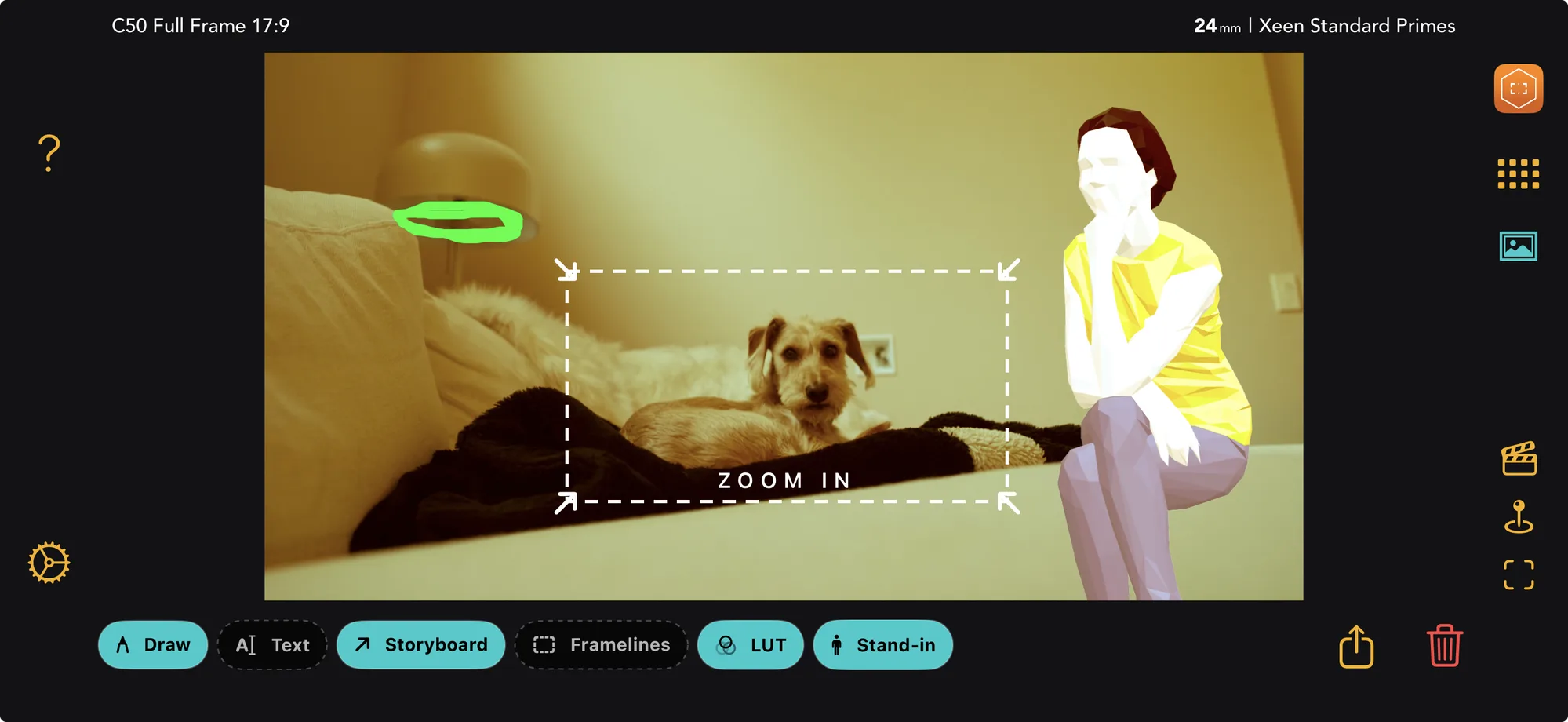
Annotation tools are now on a non-destructive layer system. LUTs, drawings, text, storyboard arrows and stand-ins live on their own layers, so they can be edited, hidden or removed without ever touching the original frame, and those layers sync between both apps.
Some project details have been blurred for privacy.
We were never quite comfortable with annotations being a baked-in edit. Every change went straight into the image, so once you drew on a frame, set a LUT, added framelines, or placed a stand-in, that was the picture. You could not revert it, swap the LUT for another, nudge the framelines, or move the stand-in without starting over.
Now every mark lives on its own layer instead. Turn any of them on or off, reopen one to change it, and the original frame is never touched.
It was a big shift from how these tools worked before, and a lot of work to get right. But it was worth it, and very much needed.
What shipped
- Annotations live on their own layers. LUT, Draw, Text, Storyboard and Stand-in are now non-destructive layers, the same system Helios View uses. Each one sits on top of the frame instead of being burned into it.
- Edit, hide or remove anything, anytime. Toggle a layer off to see the clean frame underneath. Tap the pencil on a layer to reopen it and change it. Nothing is permanent until you decide it is.
- What you see is what you save. Exporting a single photo bakes in only the layers you have switched on, so turn a layer off before you export and it stays out of the file. Gallery and PDF exports include every layer each photo has.
- Your work follows you. Layers sync between Artemis Studio and Artemis, so a note made on set on the iPhone is there when you open the same frame on the Mac.